See full LinkedIn profiles on any site.
Company pages, job posts, and full profiles open right on the page—no LinkedIn login needed.
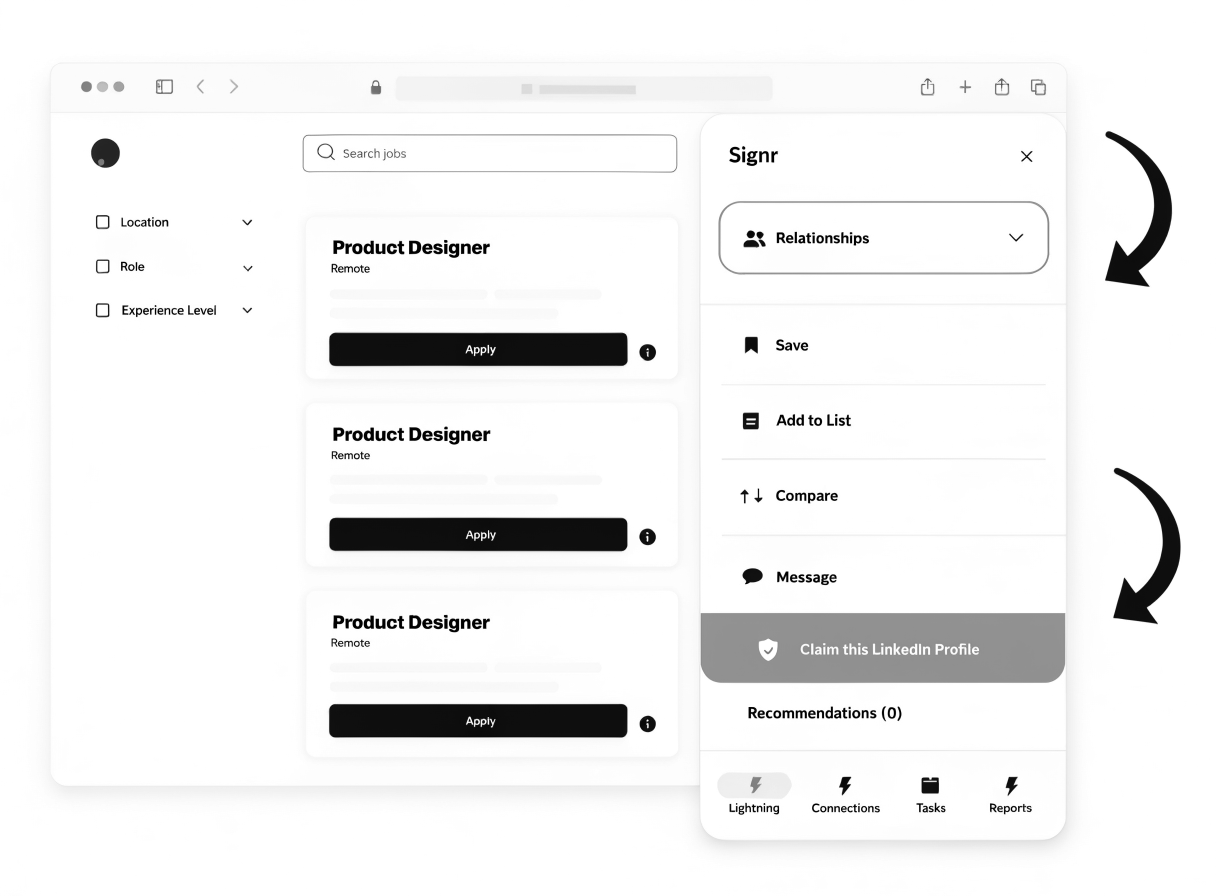
See full context faster.
Open full profiles without logging into LinkedIn.
Overlay also covers company pages, job posts, and search results.
See LinkedIn details right on the page—no tab switching.
Full LinkedIn context stays in view.
You lose the thread every time you click away. Signr keeps the full LinkedIn context right on the page.
- Open full profiles, job posts, and company pages in one overlay.
- Keep the page underneath visible while you review LinkedIn details.
- Move between people, roles, and companies without losing context.
- Compare what you found with LinkedIn details side by side.
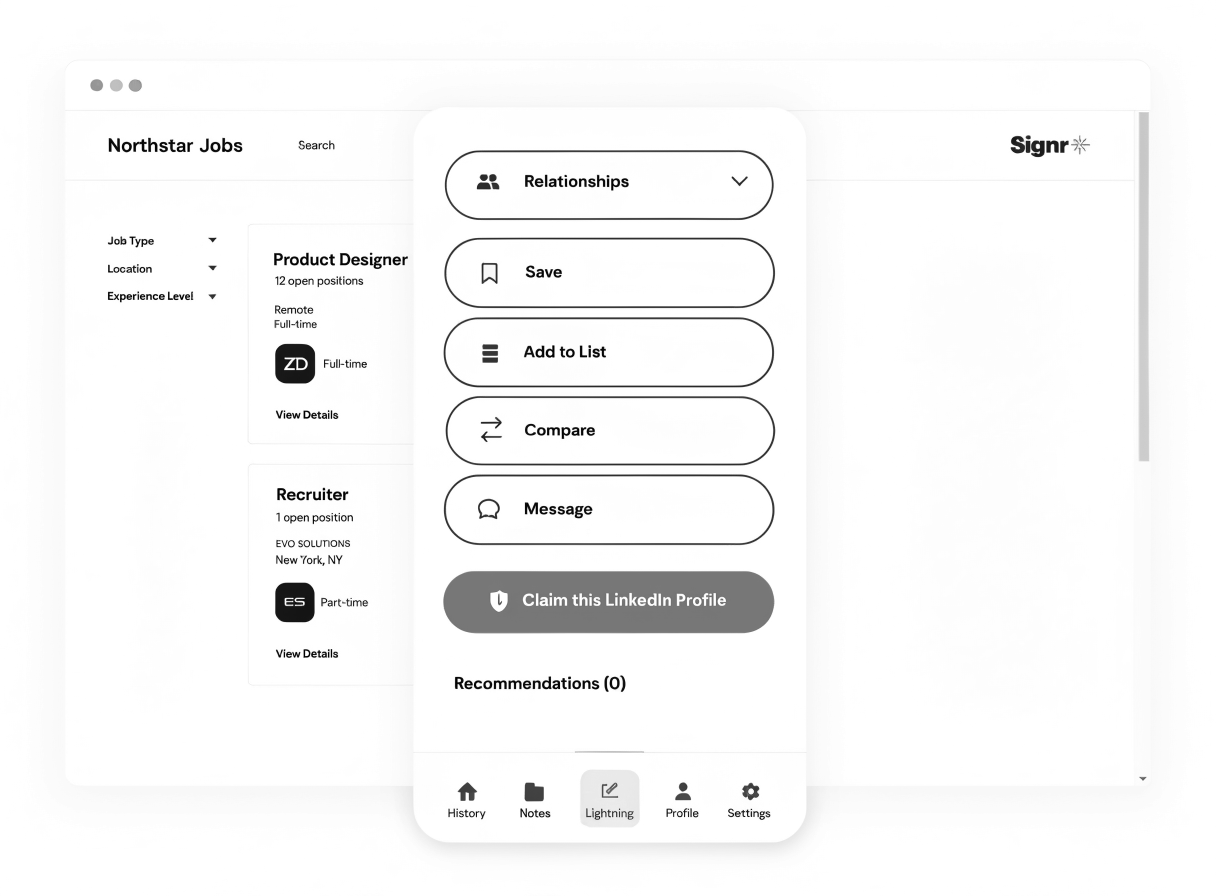
Your first profile overlay is three steps away.
Switching tabs wastes time. Install Signr, pin it, and open the overlay without losing your place.
- Install the Signr browser extension.
- Pin Signr so it's one click away.
- Open any LinkedIn profile link and click the Signr icon.
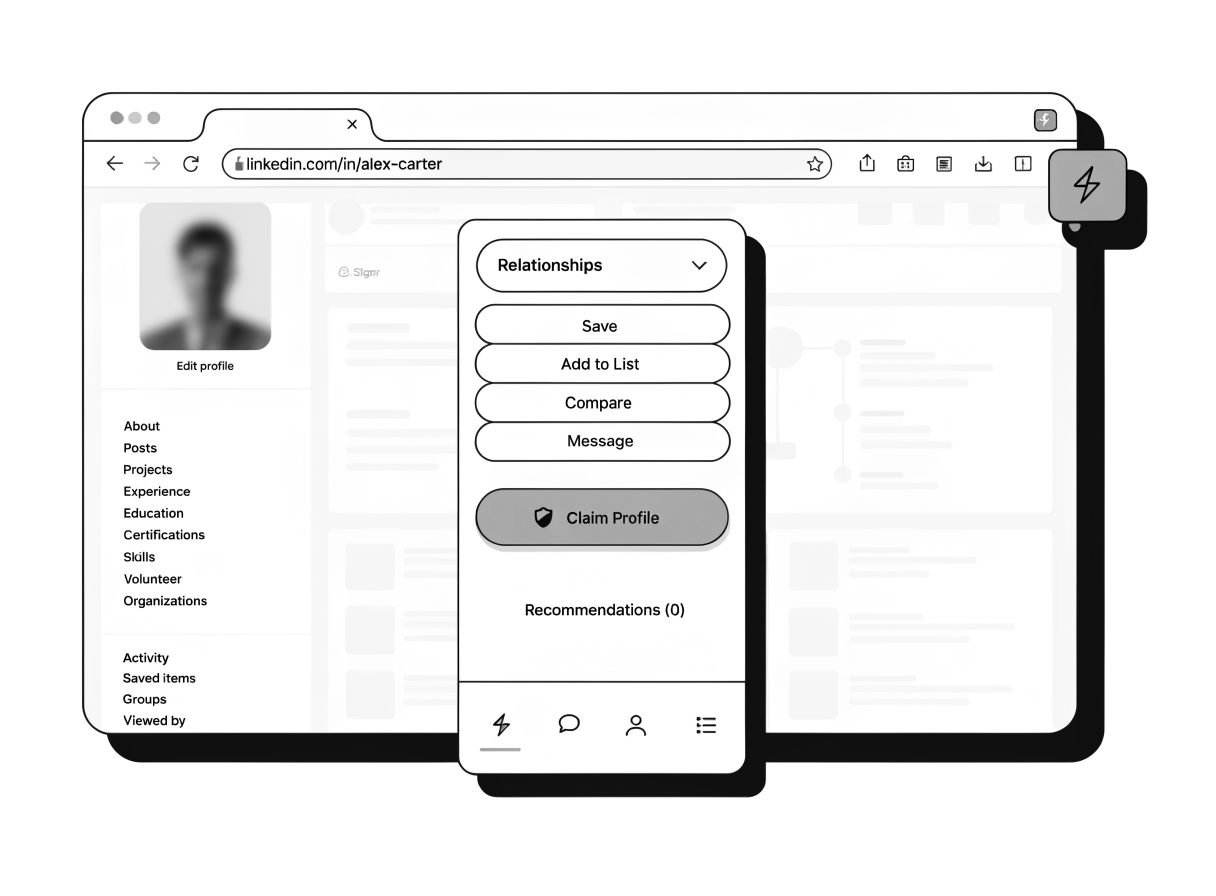
Your next move is right on the page.
A promising profile should not send you into three more tools. From the same overlay, verify identity, message directly, or check fit.
Know who you're talking to
Check whether a LinkedIn profile is verified before you message.
Reach out without paywalls
Send a direct message right on the page—no paywall or InMail credits.
Check fit with proof
Every score links to a detail, including must-haves, risks, and deal-breakers.
Keep your LinkedIn login private.
The overlay opens full LinkedIn profiles, jobs, and company pages right on the page without asking for your LinkedIn login. You stay where you are while Signr shows the details.
- No LinkedIn login required
- LinkedIn password never stored
- See profiles, jobs, and company pages in one overlay
- Review details right on the page
- Stay on the site you're already using