Reach recruiters right on the page—no credits needed
From LinkedIn profiles, company pages, and job posts, send a direct message with no paywall and keep replies in one inbox.
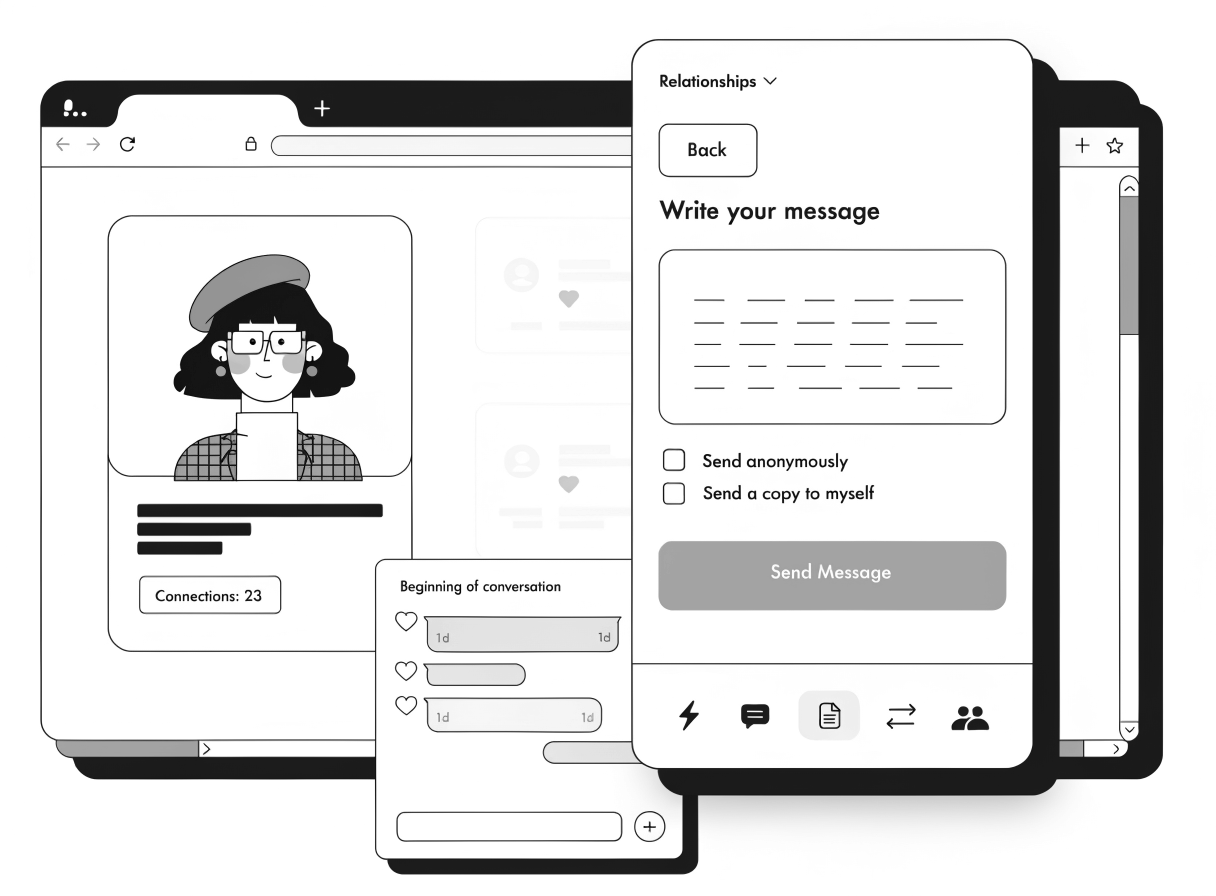
See every reply and who you're talking to
Send a direct message with no paywall and no InMail credits.
Start right on the page, then keep the thread going in your web inbox.
Replies, threads, and search stay together in one web inbox.
See who controls their LinkedIn profile before you reply.
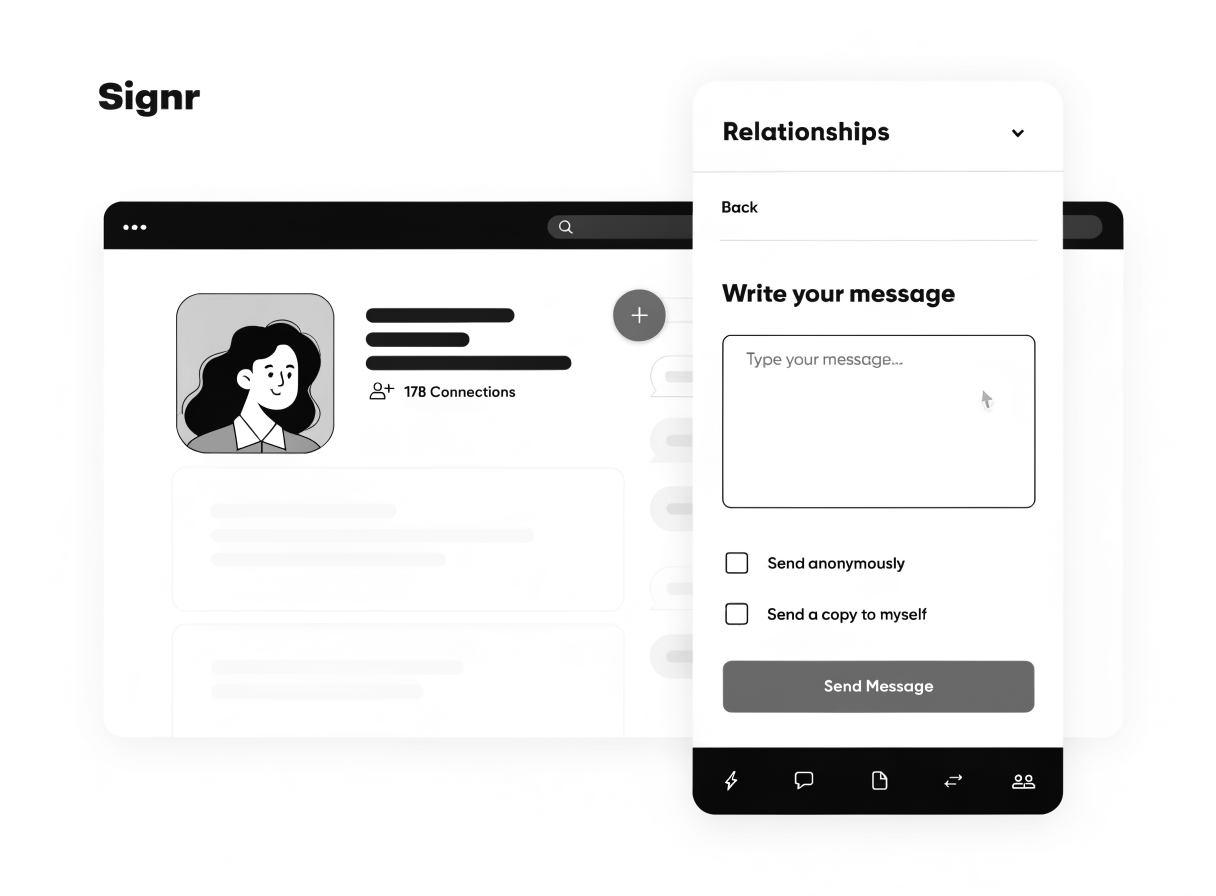
Send a direct message from any LinkedIn profile
One click opens a Signr chat right on the page, so you can write and send without leaving LinkedIn or spending InMail credits.
- Open the LinkedIn profile and click Signr.
- Type your note in the side chat box.
- Send a direct message with no paywall or InMail credits.
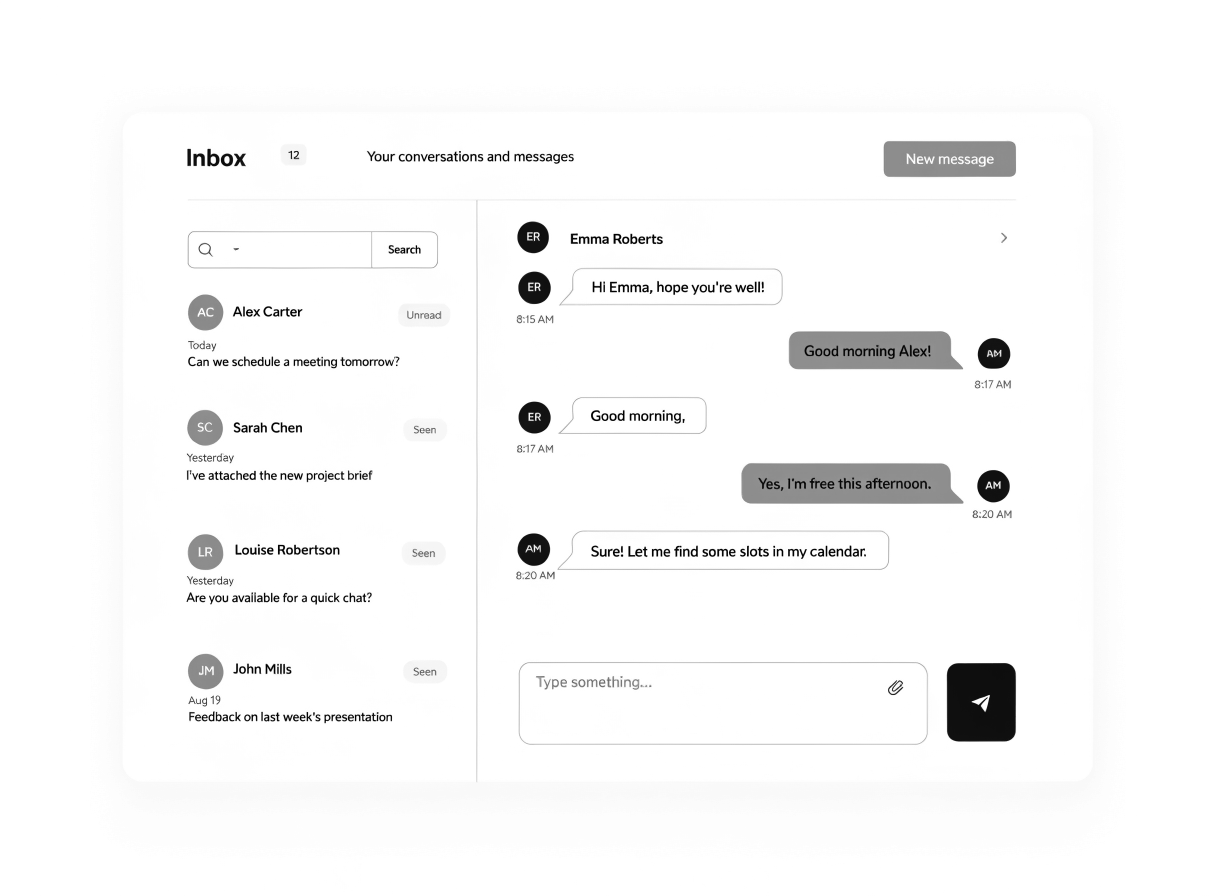
See every conversation in one searchable inbox
When recruiter replies pile up across tabs, Signr keeps messages from LinkedIn and the web together in one searchable inbox.
- Search conversations and recruiter replies fast.
- See messages from LinkedIn and the web together.
- Open any thread and continue where you left off.
- Start a new message from the same inbox.
Get verified, see full pages, and check your fit
Verification status, full LinkedIn overlays, and fit scores that show their work are one click away.
Get verified on LinkedIn
Verify that you control your LinkedIn profile, so the person reading your message knows it’s really you.
See full LinkedIn pages
Open profiles, company pages, and jobs in a Signr overlay without logging into LinkedIn.
Check your fit
Every score links to a detail, so you can spot must-haves, risks, and deal-breakers fast.
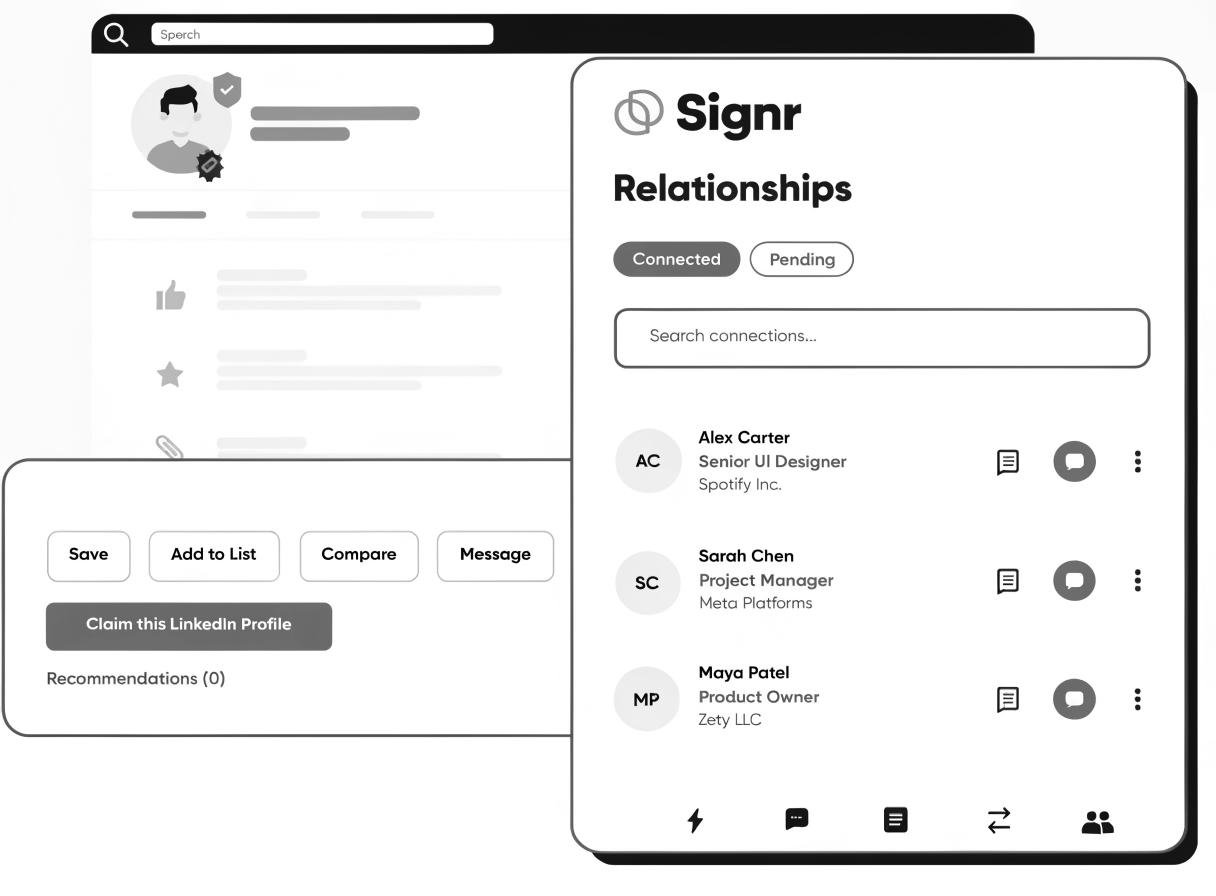
Know where every relationship stands.
Every recruiter profile shows verified status and whether you're already connected. That makes it easy to pick up where you left off, see who still needs a follow-up, and keep promising contacts from going cold.
Get direct access to recruiters.
Send from the web now, or install the extension to message recruiters right on LinkedIn.